
Suppose PAO MOEK uses LawMatic B2 for Windows with a paid subscription to court case monitoring.
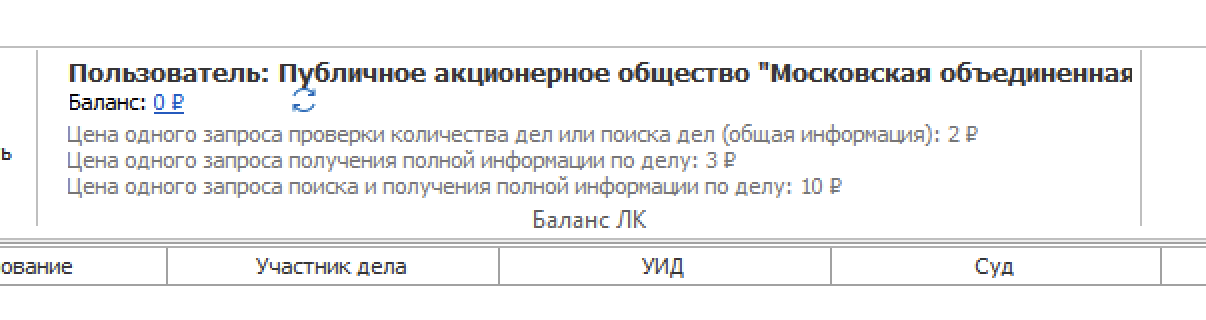
If the balance is zero, the UI shows 0:
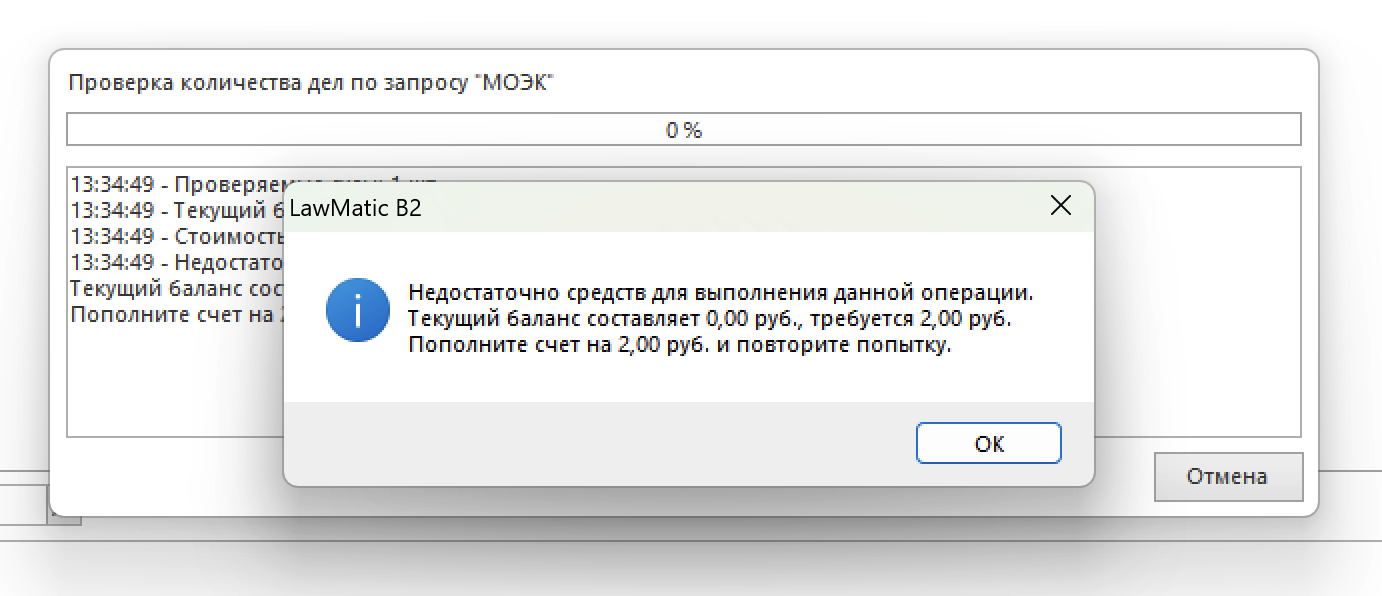
If there is no money on the balance, you can still create a request, but when you try to run it you will see a message that funds are insufficient:
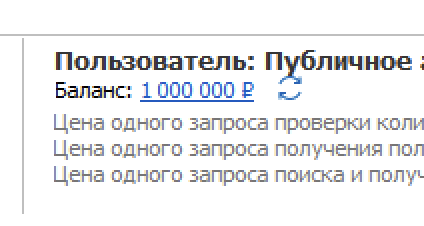
After topping up the account you will see the amount available for paid operations:
After starting monitoring with a positive balance, monitoring runs:
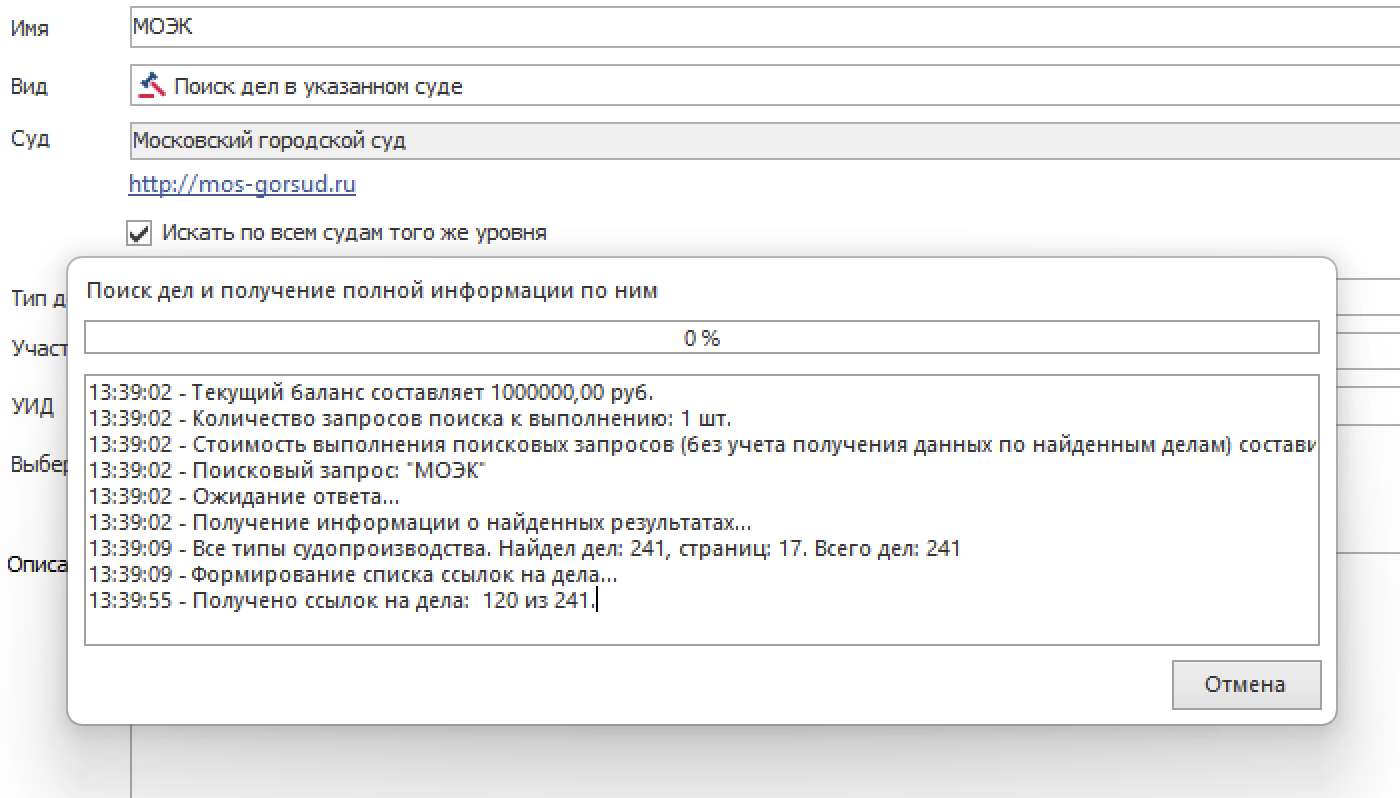
With search parameters for cases on Moscow district court websites — court website registration date from 01.01.2024 through 01.01.2025 — we obtained 203 “cases”:
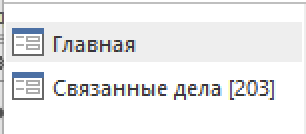
A short aside: why “cases” in quotes? Because “203” is not 203 distinct matters (one case moving through instances), but stages — information about a part of a case in a given instance. If a matter was once in first instance (Basmanny District Court of Moscow) and once on appeal (Moscow City Court), two stage records refer to one underlying case. We describe how we use the words “case” and “case stage” in our products in more detail in this article.
Here is the list of retrieved cases:
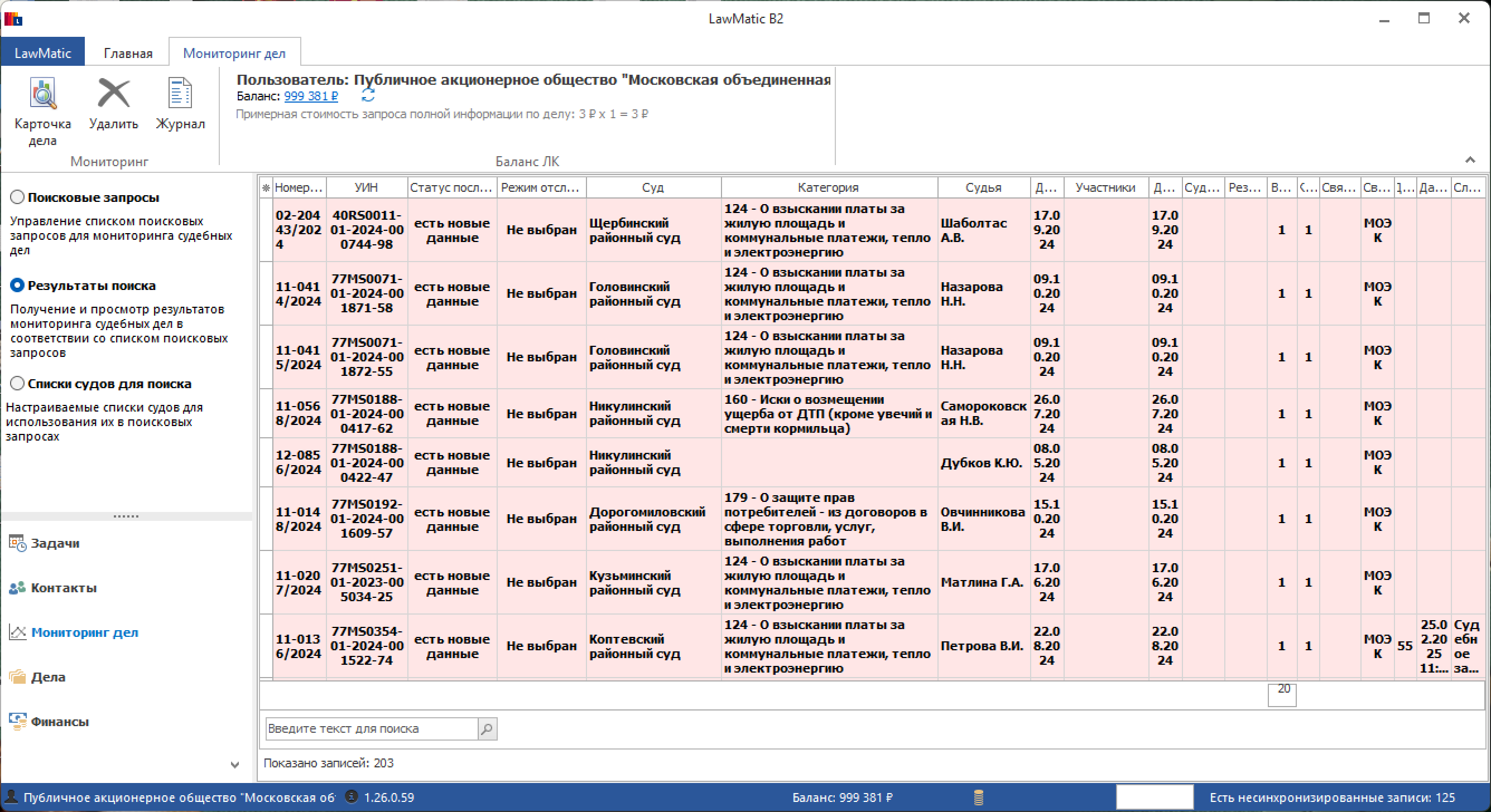
These cases sit in a separate list, not in the working list (section) of LawMatic B2 case management. You can review, search, pick items, and add them — individually or in bulk — to the “Cases” section for further work.